
Sagar Club Forgot Password
If you still have the SIM you registered with, resetting your Sagar Club password takes about two minutes.
SAGAR CLUB APP · RESET
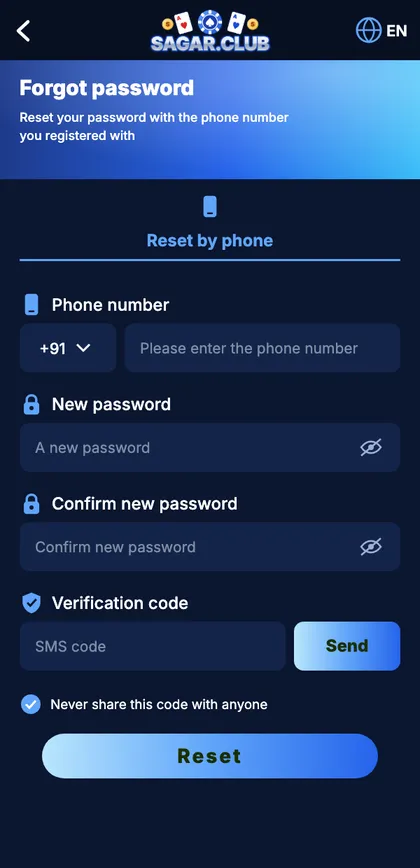
Sagar Club app forgot password screen
Number, new password, confirm password and SMS code.
On this page
Reset
- Tap Forgot password.
- Enter your registered number.
- Type the new password twice.
- Tap Send; enter the SMS code.
- Tap Reset and log in.
If it fails
No SMS
Spam folder, DND, active SIM.
Number not found
Try your other SIM.
Lost SIM
Replacement SIM or customer care.
Code expired
Request another.
Afterwards
- Log in again on other devices.
- Save the password in a manager.
- Bind an email.
Start with Sagar Club the safe way
Use the official app or website – one Sagar Club account works on every device.
Frequently asked questions
Can support see my password?
No.